
Why LLM-Generated Java Security Code Still Has Problems in 2026
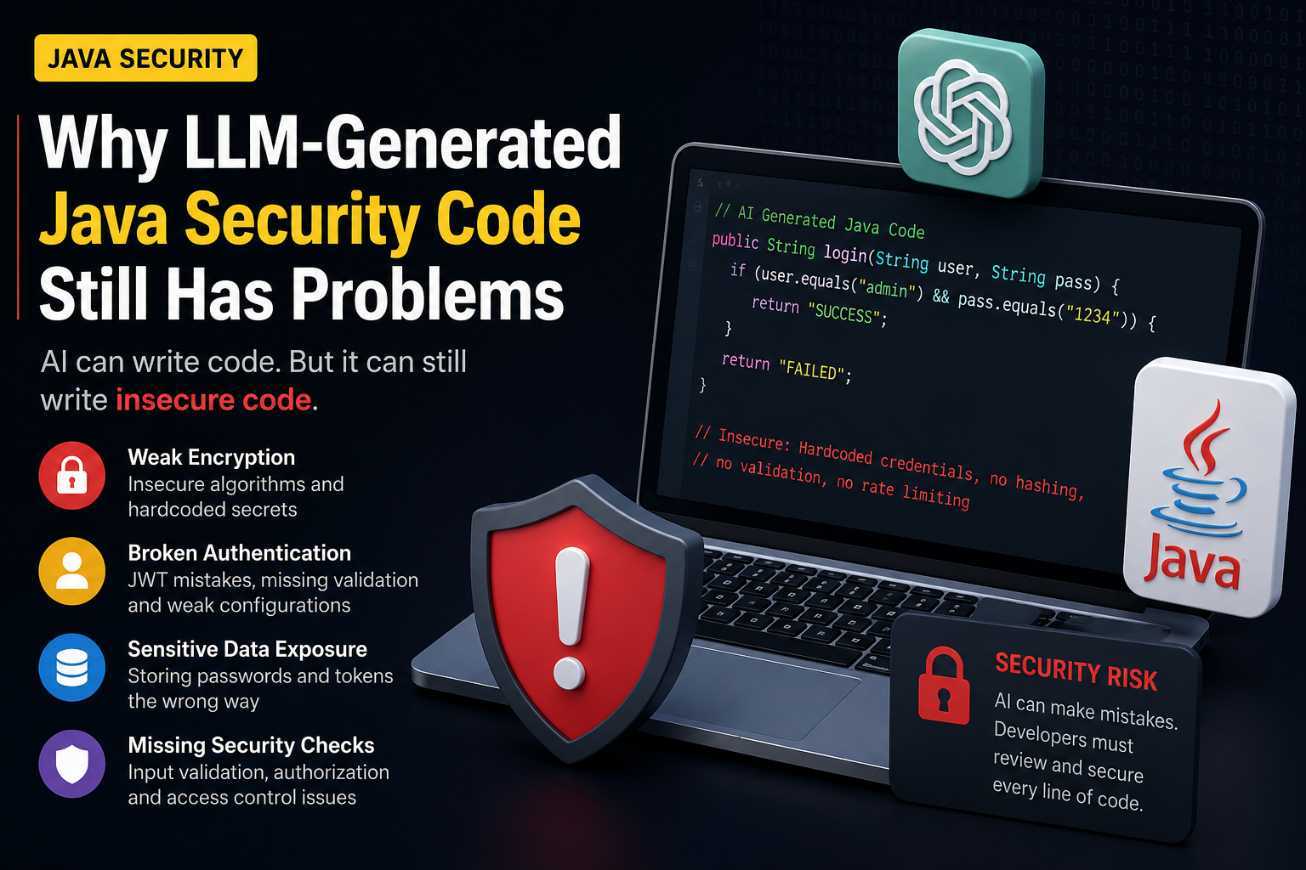
Artificial Intelligence is transforming software development. Today, developers use tools like ChatGPT, GitHub Copilot, Claude, and other AI-powered assistants to generate code, fix bugs, write documentation, and even create complete applications.
While these tools can significantly improve productivity, there is one area where developers must remain extremely careful:
Security-Critical Java Code.
Recent research has shown that Large Language Models (LLMs) still generate insecure code patterns, especially when working with authentication, encryption, authorization, and other security-sensitive components.
In this article, we'll explore why AI-generated Java security code can be risky and what developers should do before deploying AI-generated code into production environments.
The Growing Popularity of AI Coding Assistants
Modern AI coding assistants can generate Java code within seconds. Tasks that once required hours of development can now be completed through simple prompts.
Developers commonly use AI for:
- Spring Boot API development
- JWT Authentication
- Database operations
- Security configurations
- Unit testing
- Microservices development
The productivity gains are impressive, but speed should never replace proper security reviews.
The Hidden Problem
Many developers assume that if the generated code compiles successfully, it must be correct.
Unfortunately, this is not always true.
AI models learn from massive amounts of public code available on the internet. Since not all publicly available code follows security best practices, AI can unintentionally reproduce insecure patterns.
As a result, generated code may:
- Use weak encryption algorithms
- Store sensitive data insecurely
- Implement authentication incorrectly
- Skip important validation checks
- Expose security vulnerabilities
The code may look professional and function correctly, yet still contain serious security risks.
Example: Insecure Password Storage
Bad Practice
String password = "user123";String storedPassword = password;
Although this code works, storing plain-text passwords is extremely dangerous.
Recommended Approach
BCryptPasswordEncoder encoder = new BCryptPasswordEncoder();String hashedPassword = encoder.encode(password);
Using password hashing helps protect user credentials even if the database is compromised
JWT Authentication Mistakes
Many AI-generated examples create JWT implementations that work technically but miss important security considerations.
Common mistakes include:
- Weak secret keys
- Missing token expiration
- Improper token validation
- Exposing sensitive claims
A working authentication system is not automatically a secure authentication system.
Why Java Developers Should Be Concerned
Java powers many enterprise applications, including:
- Banking systems
- Healthcare platforms
- Government portals
- E-commerce applications
- Financial services
A small security mistake can potentially expose thousands or even millions of users.
When working with enterprise applications, security should never be delegated entirely to AI tools.
AI Should Be Your Assistant, Not Your Security Expert
AI is excellent at:
✅ Generating boilerplate code
✅ Explaining concepts
✅ Creating initial implementations
✅ Speeding up development
However, AI should not be considered a replacement for:
❌ Security audits
❌ Code reviews
❌ Penetration testing
❌ Secure architecture design
❌ Developer expertise
The final responsibility always belongs to the developer.
Best Practices When Using AI for Java Development
If you're using AI coding assistants in your Java projects, follow these recommendations:
1. Review Every Security-Related Line
Never copy and paste authentication, encryption, or authorization code directly into production.
2. Follow OWASP Guidelines
Use industry-standard security practices rather than relying solely on AI-generated implementations.
3. Validate Dependencies
Ensure that libraries and dependencies suggested by AI are actively maintained and secure.
4. Perform Security Testing
Run vulnerability scans and penetration tests before deployment.
5. Keep Learning Security Fundamentals
The more security knowledge you possess, the easier it becomes to identify AI-generated mistakes.
Final Thoughts
AI coding tools are becoming more powerful every day, and they are undoubtedly changing how developers build software.
However, when it comes to Java security, developers must remain cautious.
Just because AI generated the code does not mean the code is secure.
The smartest developers are not the ones who blindly trust AI. They are the ones who use AI to increase productivity while still applying their own expertise, code reviews, and security knowledge.
As AI continues to evolve, one thing remains true:
Security is still a human responsibility.
Frequently Asked Questions (FAQs)
Can ChatGPT generate secure Java code?
Yes, but the generated code should always be reviewed and tested before production use.
Is AI-generated authentication code safe for production?
Not without proper validation, code review, and security testing.
Should Java developers stop using AI coding tools?
No. AI tools can significantly improve productivity, but developers should treat them as assistants rather than security experts.
What is the biggest risk of AI-generated Java code?
The biggest risk is introducing hidden security vulnerabilities that may not be immediately visible during development.
How can developers safely use AI-generated code?
Review the code thoroughly, follow security best practices, perform testing, and validate all security-sensitive implementations before deployment.
No. AI tools can significantly improve productivity, but developers should treat them as assistants rather than security experts.
What is the biggest risk of AI-generated Java code?
The biggest risk is introducing hidden security vulnerabilities that may not be immediately visible during development.
How can developers safely use AI-generated code?
Review the code thoroughly, follow security best practices, perform testing, and validate all security-sensitive implementations before deployment.
Comments (0)